
1. The map view allows you to see your projects that have GPS as pins on a map.
The bottom toolbar allows you to toggle between the list view and the map view. (Please note: Your administrator needs to set up GPS/geocoding from the web portal for this feature to work)
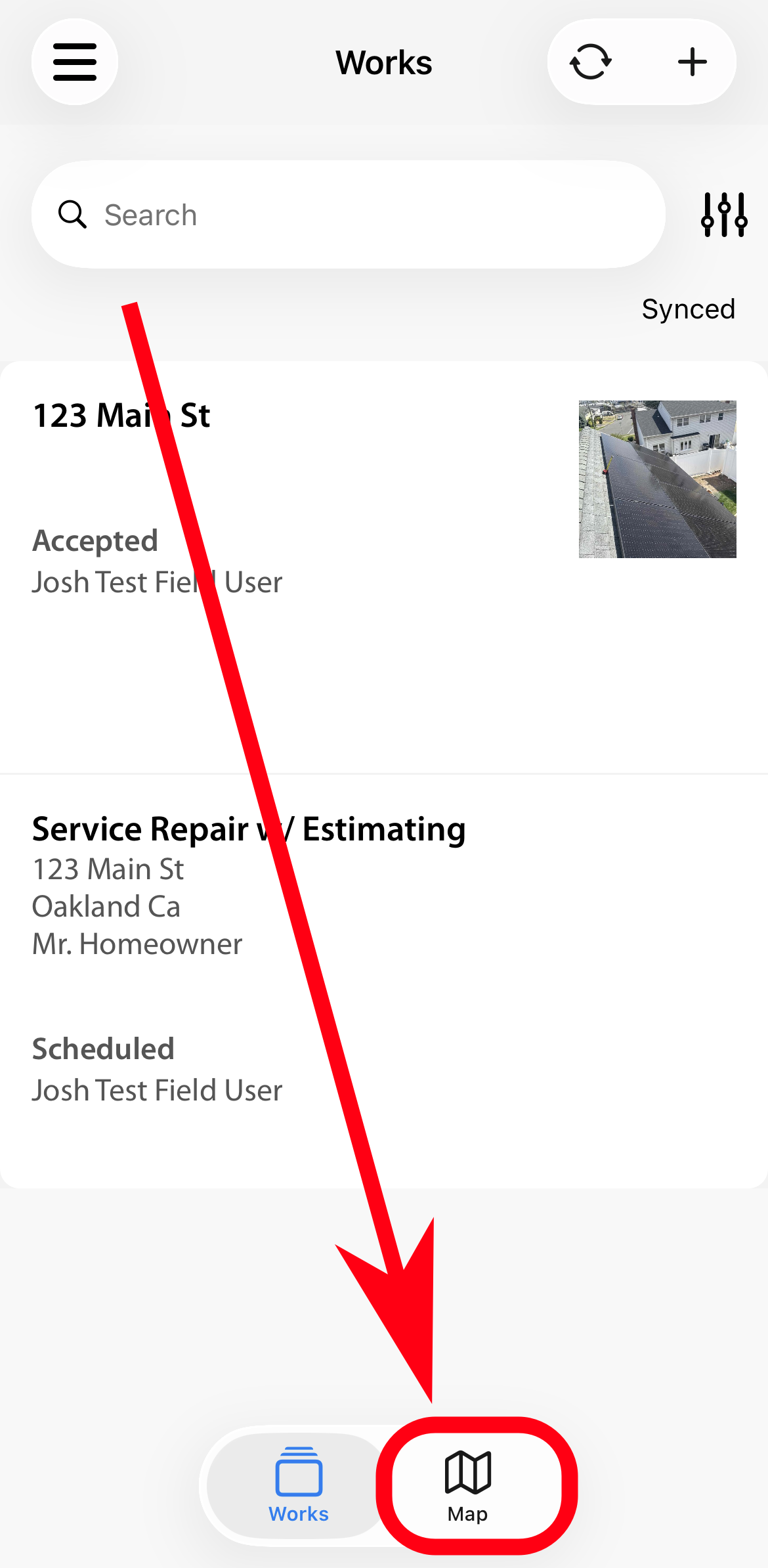
2. Click on the map icon and it will show all projects that have GPS as pins.
Click on a pin and see the display fields of a project in a popup. The orange-colored pin is your current location.
3. Click on the popup to go into the project.
To get directions to the project click on the map icon.
Comments